Protect Your Recipes: Yummly Alternatives That Let You Export | Dinner Roulette Pro
September 25, 2026
Protect Your Recipes: Yummly Alternatives That Let You Export

If you want an immediate replacement, pick based on what you actually did in Yummly: for AI-driven suggestions, allergy-safe filtering, and exportable recipes in one place, Dinner Roulette Pro covers most of that ground for free. If you mainly clipped recipes from other sites, look at a dedicated recipe manager instead. If you leaned on the weekly planner and grocery list, a pantry-first app will feel more familiar.
TL;DR:
- Exportable recipe management is crucial because proprietary cloud storage leaves you vulnerable to data loss if an app shuts down or changes its policies.
- Most successful replacements combine AI recipe generation, allergy filtering, and grocery list integration to match Yummly’s key functionalities.
- Before switching, test new apps by importing your favorite recipes and planning a full week to ensure accurate shopping lists and allergen controls.
- Migrating from Yummly involves securing any saved recipes, exporting in open formats, and manually rebuilding critical favorites if bulk export is unavailable.
- Avoid cloud-only apps with no export options, and prioritize those that import recipes from any URL and store data locally or in open formats.
Table of Contents
- Why Look for Yummly Alternatives Now?
- What Are the Main Categories of Recipe Apps Now?
- How Do You Choose the Right Replacement?
- How Do You Migrate Your Recipes From Yummly?
- Is an AI-First Recipe App Actually Better?
- How Dinner Roulette Pro Maps to What You Lost
- Try Dinner Roulette Pro This Week
- Sources
- FAQ
Why Look for Yummly Alternatives Now?
Whirlpool bought Yummly in 2017 to fold recipe discovery into its smart-kitchen lineup, betting that appliances and meal planning would eventually work as one system, according to TechCrunch’s coverage of the acquisition. That bet didn’t pay off the way anyone expected. Reporting from The Spoon confirmed Whirlpool laid off the entire Yummly team ahead of the shutdown, and the app went dark in December 2024.
What people miss most isn’t the brand. It’s four specific things:
- Taste profile personalization. Yummly learned what you liked over time and adjusted suggestions, not just search results.
- One-click clipping. You could save a recipe from almost any URL, or a social video, without retyping ingredients.
- A searchable, tagged library. Years of saved recipes organized by cuisine, diet, or occasion, gone in an instant for anyone who never exported them.
- The planner and shopping list combo. Drag a recipe onto a day, and the ingredients land on a grocery list automatically.
That library-loss problem is the real lesson here. Reviewer guidance after the shutdown converged on one point: apps that let you export and own your recipe library protect you from exactly this kind of loss, while apps that lock recipes into a proprietary cloud leave you starting from zero when the company changes direction.
What Are the Main Categories of Recipe Apps Now?
Not every “Yummly alternative” solves the same problem. Broadly, tools split into two families: recipe first apps where you curate and own the library, and pantry first apps where the software manages your inventory and shopping, according to meal-planning tool analyses. Inside those two families, four practical categories cover almost every replacement option.
- Recipe clipper and organizer. Built for saving, tagging, and searching recipes from anywhere on the web. Best if your Yummly habit was mostly a personal cookbook. Look for URL import and a real export option before committing.
- Meal planner with calendar and shopping list. Built around the weekly grid, drag-and-drop planning, and auto-generated grocery lists. Best if you planned dinners a week at a time and hated writing shopping lists by hand.
- Pantry-first, grocery-integrated app. Tracks what you already have and suggests recipes around it, often tied to live grocery pricing or delivery. Best for reducing food waste and shopping less often, though it usually asks you to keep inventory data current.
- AI recipe generator. Builds recipes from your ingredients, preferences, and restrictions on the fly instead of pulling from a fixed database. Best for people who found Yummly’s suggestions repetitive or who want fewer decisions to make, not more recipes to browse.
Most former Yummly users land somewhere between categories one and four, since Yummly itself blended a searchable library with light personalization.
How Do You Choose the Right Replacement?
Run any candidate app through this checklist before you commit real time to it.
- Exportability. Can you get your data out in a plain format if the app shuts down or changes its pricing?
- Import and clip quality. Does it pull recipes from arbitrary URLs and social video, or only from a whitelist of partner sites?
- Storage model. Is your library stored locally, in an open cloud format, or locked to a proprietary account you can’t back up?
- Dietary and allergy filters. Can you set restrictions once and trust the app to filter consistently, not just tag recipes?
- Grocery and cart integration. Does the shopping list connect to an actual grocery service, or do you still copy it by hand?
- Pricing shape. Is it a subscription, a one-time purchase, or free with paid upgrades? Subscription meal planners often trade automation for ongoing cost, while one-time tools trade convenience for stability.
The biggest red flag is a cloud-only app with no export path at all. If the only way to get your recipes out is copy-pasting one at a time, treat that as a warning sign, not a minor inconvenience. A close second red flag: an importer that only recognizes a short list of partner recipe sites instead of pulling from anywhere on the web.
Pro Tip: Before switching fully, import ten of your most-used recipes and run one full week of planning through the new app. If the shopping list comes out right and the allergy filters actually hold, you’ve found a real replacement, not just a prettier interface.
How Do You Migrate Your Recipes From Yummly?
Yummly is already offline, so if you still have any access to a backup, cache, or partial export, treat that as your one shot. Here’s the order that limits damage.
- Secure whatever you have first. Screenshot or copy any recipes you can still access anywhere, including browser history, email newsletters, or synced notes, before doing anything else.
- Look for a bulk export. Migration guidance recommends prioritizing plain formats like CSV, JSON, or Markdown over proprietary formats, since those open in almost any new app or spreadsheet.
- Fall back to manual re-entry for favorites. If bulk export isn’t available anymore, rebuild your top 15 to 20 recipes by hand rather than trying to recover everything at once.
- Import into your new app. Apps that support URL and social-media import save the most time here, since you can re-clip recipes from the original source instead of retyping.
- Rebuild your preferences. Set your allergy filters, taste profile, and dietary restrictions from scratch, then run one test week of meal planning to confirm the shopping list generates correctly.
Expect the whole process to take an evening for a small library, or a weekend if you’re rebuilding hundreds of saved recipes. If you owned a Yummly Smart Thermometer, note that the hardware’s companion features ended with the app, so budget separate time to find a replacement thermometer workflow if you relied on it.
Is an AI-First Recipe App Actually Better?
For decision fatigue, yes. An AI recipe generator builds a dinner from what’s already in your fridge, adjusts instantly for allergies, and drops the ingredients straight onto a shopping list, which a static recipe database can’t do on its own.
- Where AI wins: fresh suggestions instead of the same 20 recipes on rotation, ingredient-based generation when you’re improvising, and automatic shopping lists tied to whatever recipe you picked.
- Where AI falls short: complex techniques (laminated dough, precise sous vide timing) can come out vaguer than a tested recipe from a trusted source, and quality depends heavily on how the app handles your data and whether it lets you export what it generates.
People who benefit most are the ones drowning in small decisions, busy parents, people cooking solo, and neurodivergent cooks who do better with fewer open-ended choices. A low-effort mode that limits decisions on hard days matters more here than most reviews mention.
Pro Tip: If an AI app gives you a recipe that seems off (an odd ratio, a missing step), treat it as a draft. Adjust one variable at a time rather than starting over, the same way you’d fix a recipe from a cookbook that didn’t quite work the first try.
How Dinner Roulette Pro Maps to What You Lost

Most of what made Yummly useful maps cleanly onto features built for exactly this transition. AI recipe generation replaces the taste-profile learning. Allergy and diet filters replace Yummly’s dietary tags, with a stricter safety check built in. Shopping lists and one-tap grocery ordering through Walmart or Instacart replace the planner-to-cart flow people relied on. Recipe import and export cover the library-ownership problem that burned so many Yummly users when the app vanished with no warning.
None of that means you should skip the checklist above. Test the allergy filters against your actual restrictions, not just the marketing copy, and confirm the export format works before you build out a full week of meals. SafeMode, the low-energy planning option, is worth trying specifically on a night when cooking feels like the last thing you want to plan. Judge any replacement app, this one included, by whether it survives a real week of your kitchen, not a single demo recipe.
— Jack
Try Dinner Roulette Pro This Week
Dinner Roulette Pro is free to start, which matters when you’ve just watched a paid ecosystem disappear overnight. Set your dietary restrictions and allergy list first, spin the wheel or generate a recipe from what’s already in your kitchen, then build out a week’s worth of dinners and let the app turn that into a shopping list.
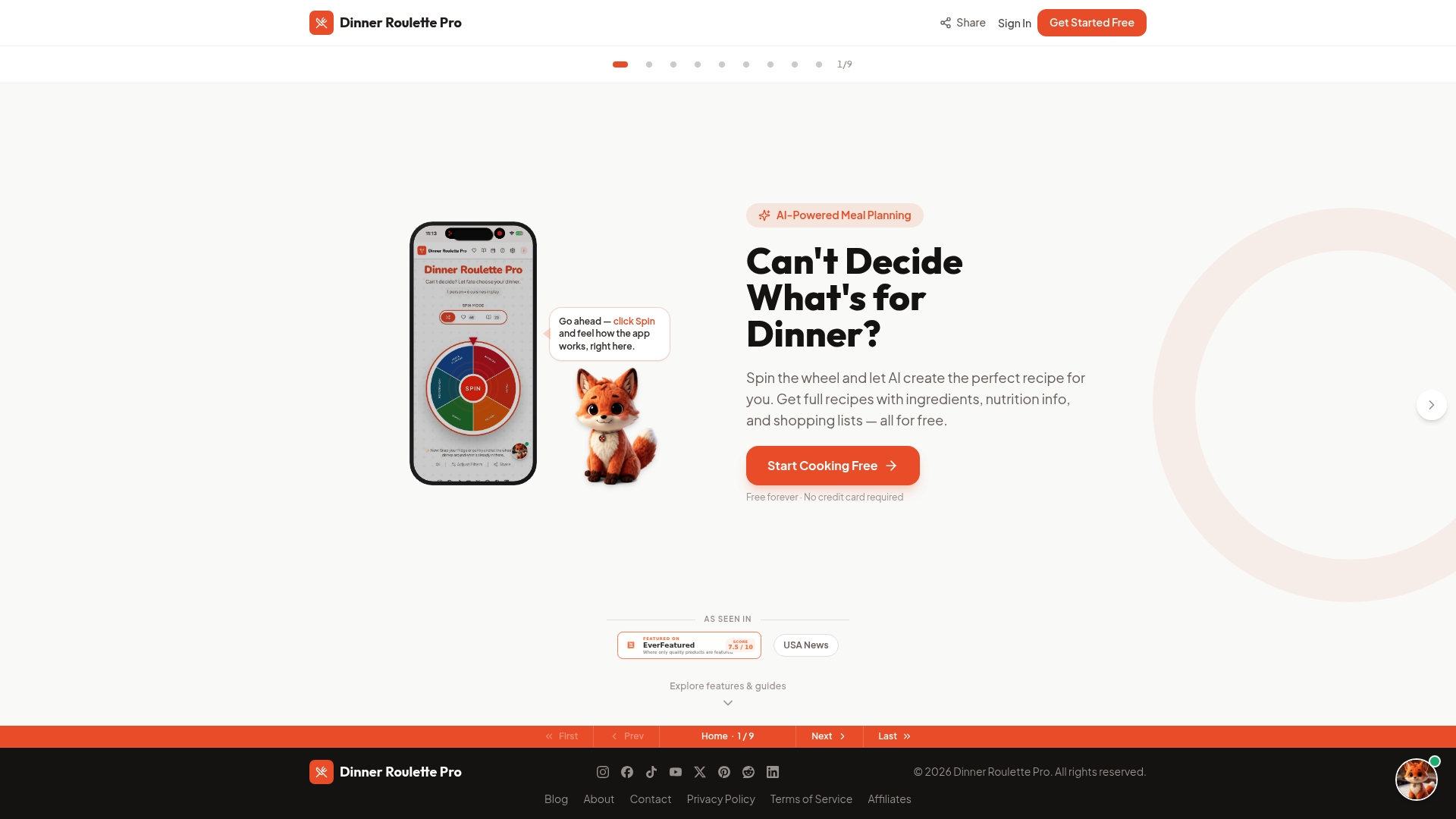
Getting started takes about five minutes: create an account, answer a few questions about diet and allergies, and generate your first week of meals. The core experience, AI recipes, allergy checks, and shopping lists, is free forever. If you want the full meal planning calendar, advanced nutrition tracking, and SafeMode, upgrade options run Monthly at $4.99, Yearly at $39.99, or a one-time Lifetime plan at $99.99. Head to Dr-pro and spin your first wheel tonight.
Sources
For background on Yummly’s history and shutdown, see TechCrunch’s original coverage of the Whirlpool acquisition and The Spoon’s reporting on the team layoffs. For migration mechanics, Thyme’s guide on leaving Yummly covers export formats in detail. For a broader category breakdown, see this meal-planning tool comparison, and for seasonal planning help, this holiday meal-prep guide is worth bookmarking too.
- Whirlpool acquires Yummly, the recipe search engine last valued at $100M — TechCrunch
- Whirlpool lays off entire team for cooking and recipe app Yummly — The Spoon
- Yummly Shut Down in December 2024. Here’s What to Do With Your Recipes | Thyme (PPV Digital)
FAQ
Why did the Yummly app shut down?
Whirlpool acquired Yummly in 2017 as part of a smart-kitchen strategy tying recipe tech to its appliances. Reporting confirmed the entire Yummly team was laid off ahead of the app going offline in December 2024.
What is the best recipe organizer app now?
The right pick depends on whether you want AI-generated recipes or a searchable library you curate yourself. For AI-driven personalization with allergy checks and exportable recipes built in, Dinner Roulette Pro is free to start and designed for exactly this kind of switch.
What is the best free online recipe site?
There isn’t one single best option since free recipe sites vary in whether they let you save, tag, or export recipes for later use. Prioritize sites or apps that support URL import and offer a real export option, since that combination protects you if a service ever shuts down the way Yummly did.
Which is the best free recipe keeper app?
Look for an app with local or open-format storage, so your recipes aren’t stuck behind a login if the company disappears. Dinner Roulette Pro’s core recipe generation, allergy filtering, and shopping list features are free with no subscription required, with paid tiers available for advanced planning and nutrition tracking.
What happened to the Yummly Smart Thermometer?
The connected thermometer’s companion app features ended along with the rest of Yummly, leaving some hardware owners with limited options for continued use. If you relied on it for guided cooking, plan to find a separate thermometer workflow since no direct software fix is coming.